




Every year, Apple tells us the latest watchOS is “the biggest update yet.”
And every year, most of us quietly wonder… is it actually that different?
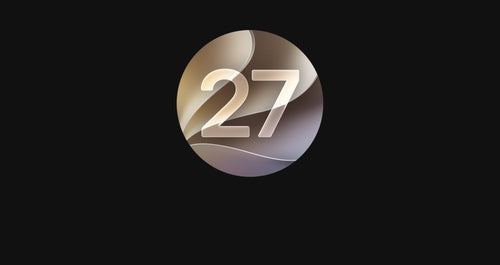
watchOS 27 continues that tradition of big claims, but under the hood, it’s more of a meaningful refinement than a complete reinvention.
So if you’re currently on watchOS 26 and asking yourself whether anything really changes, here’s the honest breakdown.
The Short Answer: watchOS 27 Feels Smarter, Not Totally New
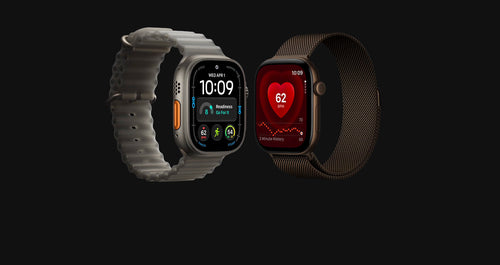
If watchOS 26 was about polishing the Apple Watch experience, watchOS 27 is about making it feel more intelligent.
You’re not getting a dramatic redesign or a completely new way to use your Apple Watch.
Instead, you’re getting improvements that quietly make everything feel more responsive, more helpful, and more aware of what you’re doing.
It’s less “new Apple Watch” and more “Apple Watch that finally understands you better.”
Siri Is the Biggest Difference
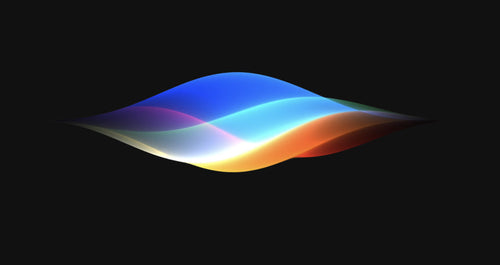
The most obvious upgrade between watchOS 26 and watchOS 27 is Siri.
On watchOS 26, Siri is functional but limited. It handles basic tasks well enough but struggles with context and more natural interactions.
On watchOS 27, Siri becomes significantly more capable thanks to Siri AI.
Instead of treating every request as a standalone command, it can better understand context across apps, messages and your daily routines.
In practical terms, this means:
- More natural questions work properly
- Less rigid phrasing is needed
- More “human-like” interactions are possible
This alone is enough to change how some people use their Apple Watch day-to-day.
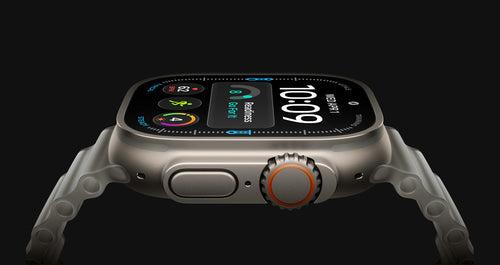
Smart Stack Gets a Real Upgrade
watchOS 26 introduced Smart Stack as a quick way to surface widgets.
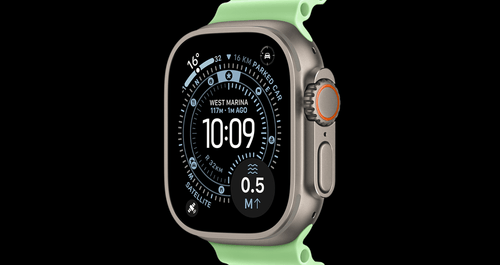
watchOS 27 makes it feel less like a widget list and more like a predictive assistant.
Rather than waiting for you to scroll, Smart Stack now tries to anticipate what you need based on time, location and routine.
So instead of manually checking:
- Workout stats
- Weather
- Calendar events
Your watch starts surfacing them automatically when they matter most.
It’s subtle, but noticeable.
Fitness Tracking Gets More Useful
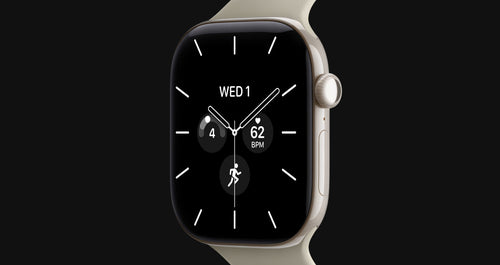
Both watchOS 26 and watchOS 27 are strong when it comes to fitness tracking, but watchOS 27 focuses more on interpretation rather than just data collection.
Instead of simply showing metrics, it aims to provide more context around your activity and recovery.
That means your Apple Watch becomes slightly better at answering:
- “How did my workout actually go?”
- “Am I improving?”
- “Should I push harder or recover?”
It’s still not a full coaching system, but it’s a step in that direction.
Everyday Use Feels Smoother
One of the most underrated differences between watchOS 26 and watchOS 27 is performance and flow.
Apple hasn’t reinvented anything visually, but interactions feel:
- Faster
- More consistent
- Less cluttered in key moments
Notifications are also better prioritised, which reduces the feeling of being constantly interrupted.
These are the kinds of changes you don’t notice immediately… but definitely feel after a few days.
What Hasn’t Really Changed
It’s just as important to talk about what hasn’t changed.
If you’re expecting:
- A completely new interface
- Radical gesture changes
- A totally different Apple Watch experience
You won’t find that here.
watchOS 27 is still very much watchOS at its core:
- Same general layout
- Same navigation style
- Same app structure
Apple is clearly refining the system, not reinventing it.
So Should You Upgrade?
Yes — but not because everything is new.
You should upgrade from watchOS 26 to watchOS 27 because:
- It makes your Apple Watch feel smarter
- Siri becomes genuinely more useful
- Everyday interactions improve slightly across the board
- Fitness insights become more meaningful
And as always, if you’re using the beta, it’s worth being cautious. Early versions can still be unstable, so backing up your device before installing is a smart move.
For most users, the public release will be the best experience.
Final Thoughts
watchOS 27 isn’t a dramatic overhaul of the Apple Watch experience.
It’s something more subtle — and arguably more important.
It makes the device feel less like a collection of apps and more like a system that understands what you’re trying to do.
Compared to watchOS 26, the biggest difference isn’t what you see on the screen.
It’s how the watch behaves in your everyday life.
And that’s where watchOS 27 quietly wins.