





It’s that time of year again.
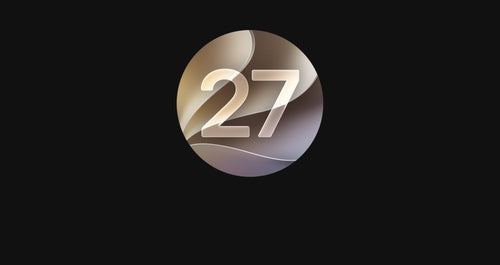
WWDC has arrived, Apple has taken the wraps off its latest software updates, and Apple Watch users have plenty to get excited about. This year, watchOS 27 isn’t just another incremental update packed with a few new watch faces and minor tweaks. Instead, Apple is pushing the Apple Watch further into becoming a truly intelligent, personalised companion.
From a refreshed visual experience and smarter Smart Stack suggestions to the arrival of Siri AI, watchOS 27 is shaping up to be one of the most significant Apple Watch updates in recent years.
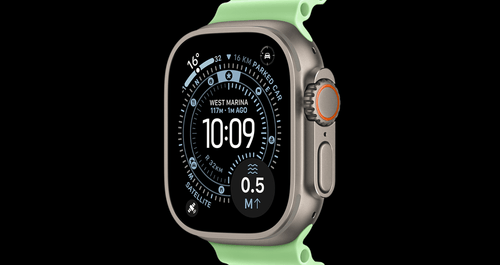
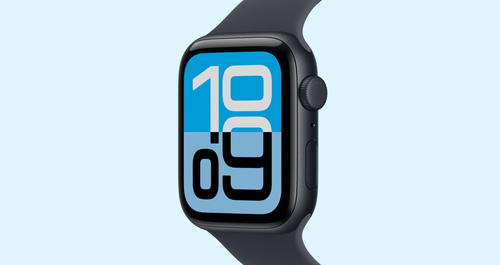
A Fresh New Look Across Apple Watch
One of the biggest themes across Apple’s software announcements this year is a refreshed design language that creates a more consistent experience across iPhone, iPad, Mac and Apple Watch.
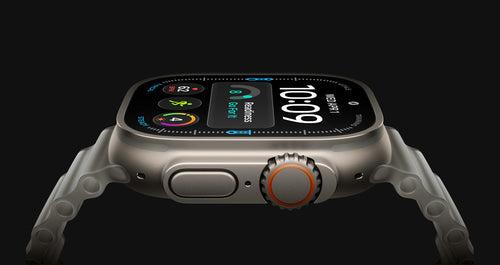
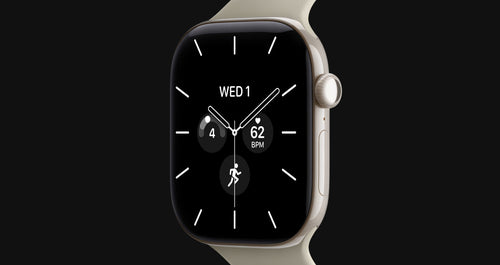
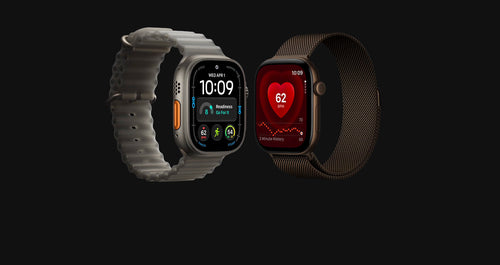
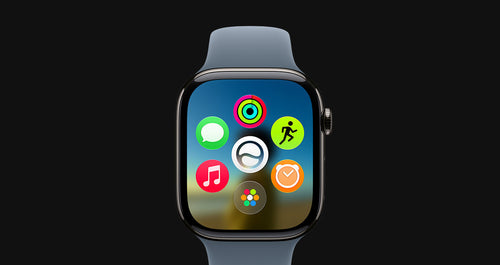
watchOS 27 introduces subtle visual improvements throughout the operating system, with smoother animations, updated interface elements and a more modern feel that makes the Apple Watch feel fresh without requiring new hardware.
The changes aren’t dramatic enough to make your watch feel unfamiliar, but they are noticeable enough that the entire experience feels more polished and premium.
For many Apple Watch owners, this update alone will make their current device feel brand new.
Siri AI Finally Arrives
Let’s be honest, Siri on Apple Watch has never exactly been the reason people bought an Apple Watch.
For years, Siri has been useful for basic tasks like setting timers, starting workouts or checking the weather, but it has often felt limited compared to what users expected from a modern voice assistant.
That changes with watchOS 27.
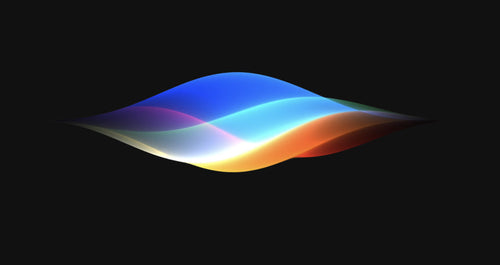
Apple’s new Siri AI introduces a far more capable and context-aware assistant that can understand personal information, previous conversations, app content and on-screen context more naturally than ever before.
Instead of treating every request as an isolated command, Siri AI can now better understand what you’re trying to achieve and provide more relevant responses.
This has the potential to completely change how people interact with their Apple Watch throughout the day.
Setting reminders, managing tasks, navigating notifications and accessing information could become significantly faster and more intuitive.
For many users, Siri AI may end up being the standout feature of watchOS 27.
Smart Stack Gets Smarter
When Apple introduced Smart Stack, it quickly became one of the most useful features on Apple Watch.
Rather than forcing users to manually search through apps, Smart Stack surfaces relevant information exactly when it’s needed.
watchOS 27 takes this concept even further.
The system now uses additional contextual information, routines and intelligence to make more accurate suggestions throughout the day.
Heading to the gym? Expect workout-related widgets.
Starting your commute? Travel information may automatically appear.
Waking up in the morning? Sleep and weather insights can be surfaced proactively.
The result is an Apple Watch that feels more aware of what you’re doing and what information you need next.
New Workout and Fitness Enhancements
Fitness remains one of the Apple Watch’s strongest selling points, and watchOS 27 continues to build on that foundation.
Apple has introduced improvements across workout tracking, activity metrics and training insights designed to help users better understand their performance and recovery.
Workout experiences are more personalised, with smarter recommendations and improved data presentation throughout the Fitness ecosystem.
Whether you’re training for a marathon, tracking daily walks or simply trying to stay active, watchOS 27 aims to make fitness tracking more useful and actionable.
As always, Apple continues to lean heavily into making health and fitness one of the core reasons to own an Apple Watch.
Better Everyday Intelligence
Some of the most impactful features in watchOS 27 won’t be the ones highlighted during keynote presentations.
Instead, they’ll be the countless small improvements that make the Apple Watch easier to use every single day.
Apple has focused on making interactions faster, notifications more relevant and system-wide experiences more intelligent.
These enhancements may not grab headlines, but they’re often the changes users appreciate most after living with a software update for several weeks.
The Apple Watch is increasingly becoming less of a notification screen and more of a proactive personal assistant.
watchOS 27 continues that trend.
When Will watchOS 27 Be Available?
As with previous Apple software releases, watchOS 27 enters developer testing immediately following its WWDC announcement.
Public beta versions are expected to arrive later in the year, allowing adventurous users to test new features before the official release.
However, beta software should always be approached with caution.
Early versions can contain bugs, reduced battery life, compatibility issues and unexpected behaviour.
Unless you’re comfortable troubleshooting issues and understand the risks involved, most users will be better off waiting for the official public release later this year.
The final version of watchOS 27 is expected to launch alongside Apple’s next generation of hardware in the coming months.
Final Thoughts
Apple Watch has come a long way from being a simple notification companion.
With watchOS 27, Apple is continuing its push toward creating a genuinely intelligent wearable that understands your routines, anticipates your needs and helps you stay connected without constantly reaching for your phone.
The arrival of Siri AI alone has the potential to fundamentally change how people interact with their Apple Watch, while improvements across Smart Stack, fitness and everyday usability help round out one of the most compelling updates we’ve seen in years.
We’ll be spending plenty of time exploring watchOS 27 over the coming months, so stay tuned for deeper dives, compatibility guides, hidden features and hands-on impressions as the update rolls out.
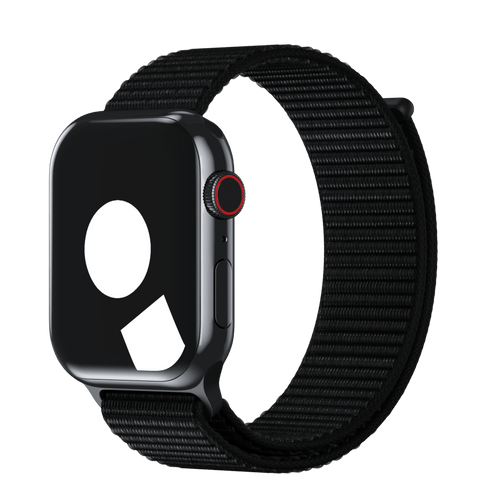
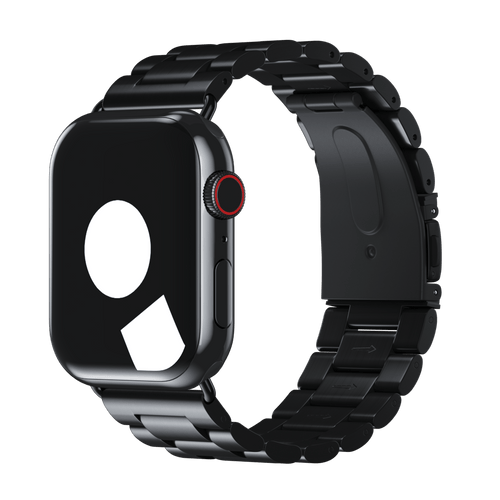
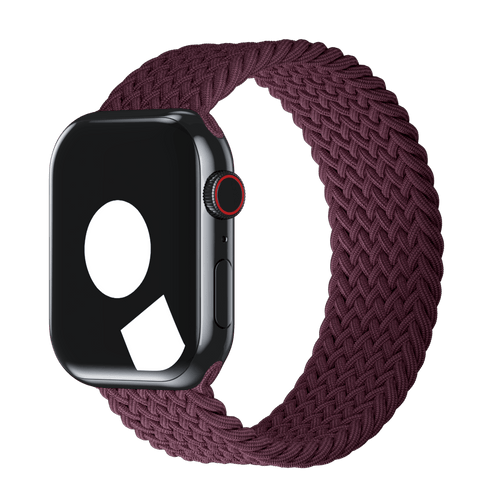
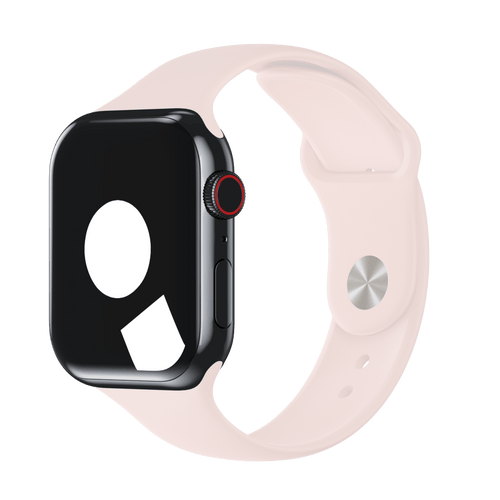
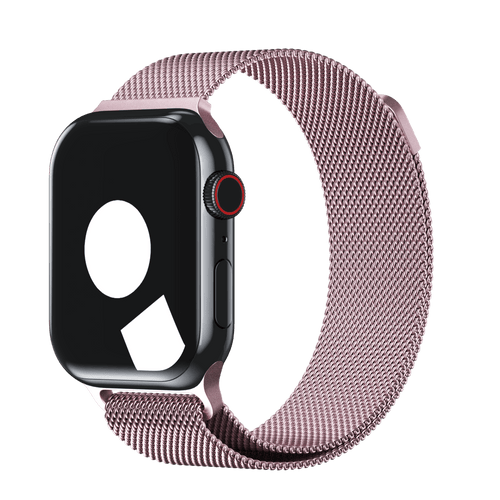
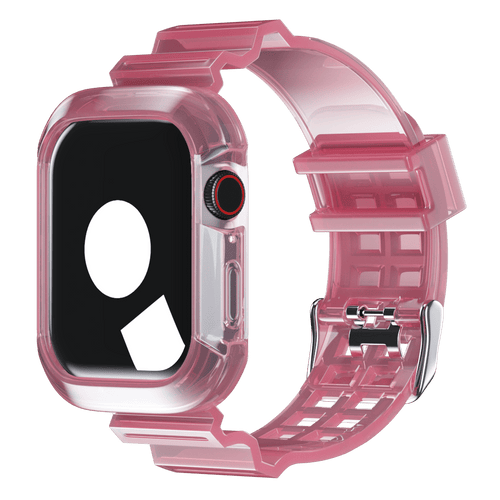
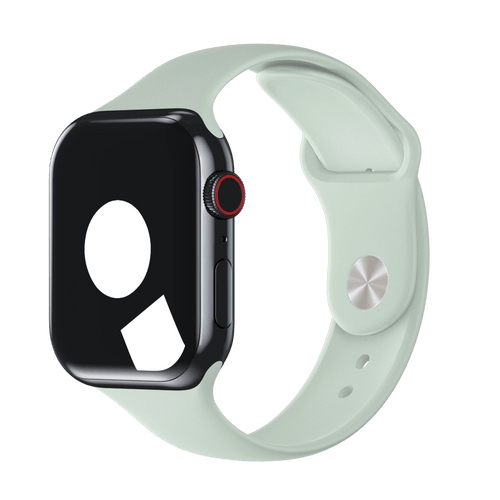
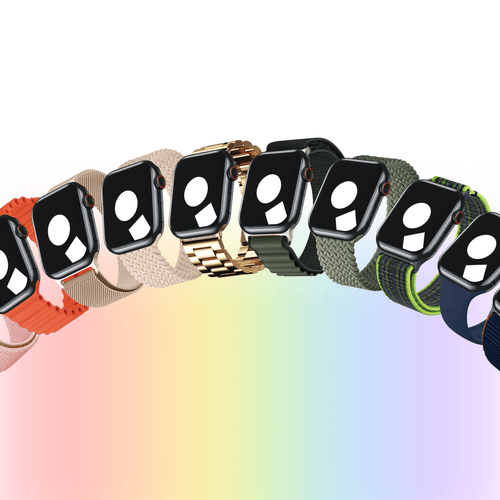
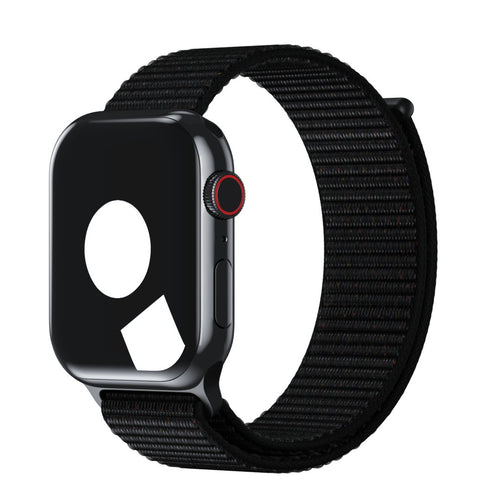
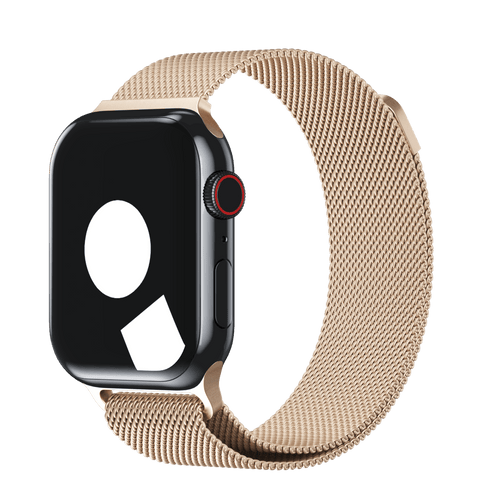
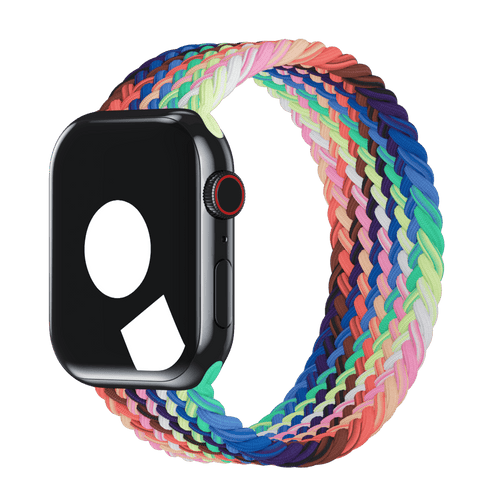
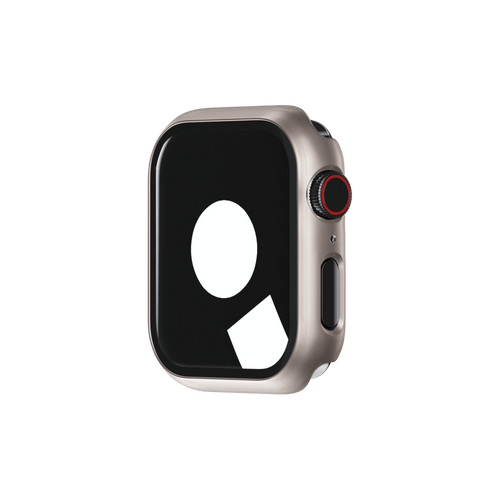
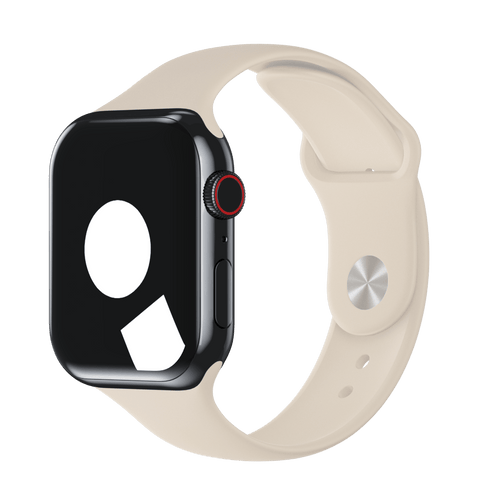
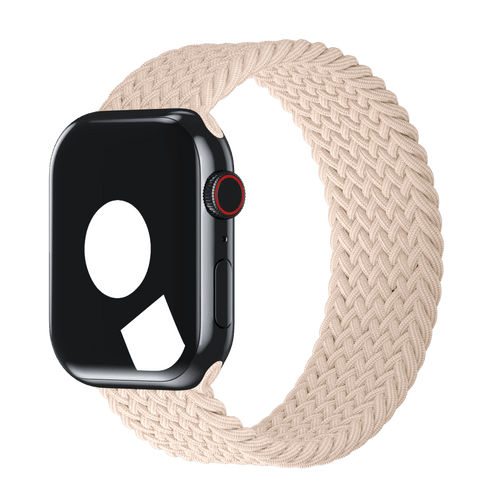
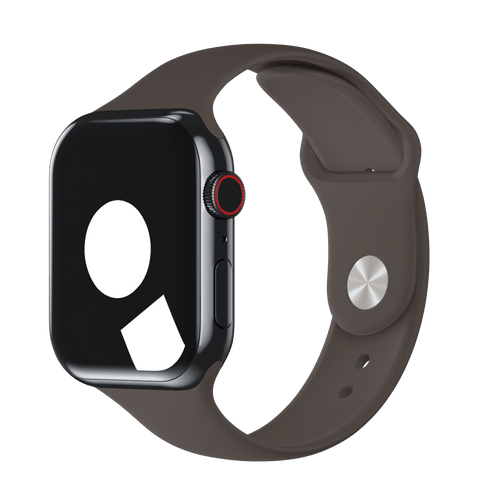
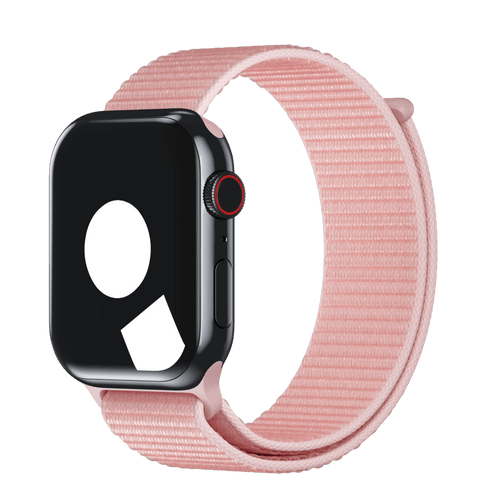
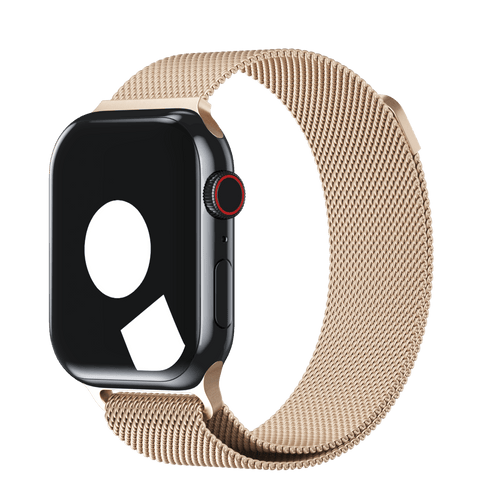
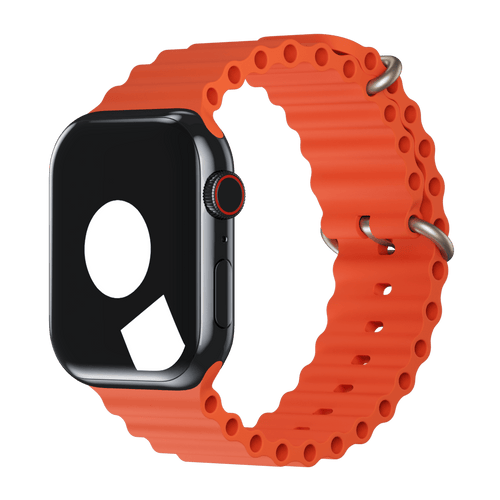
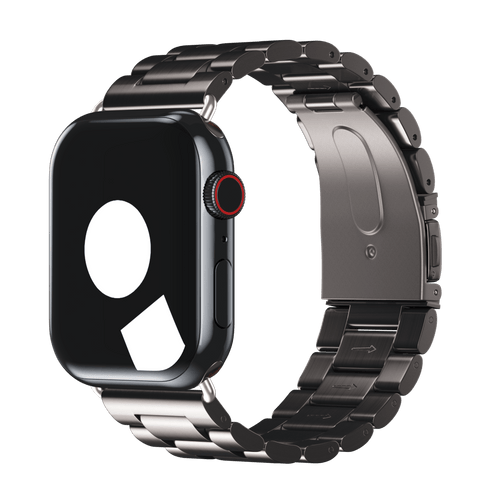
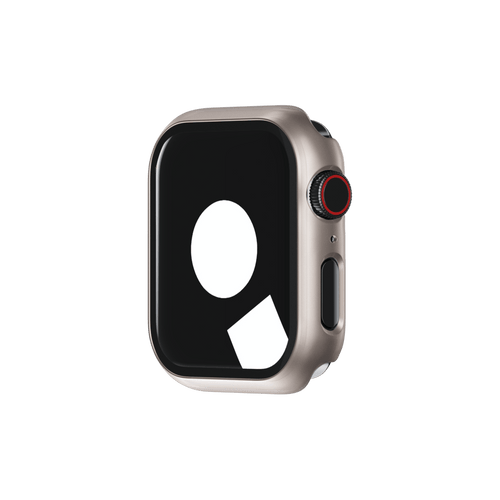
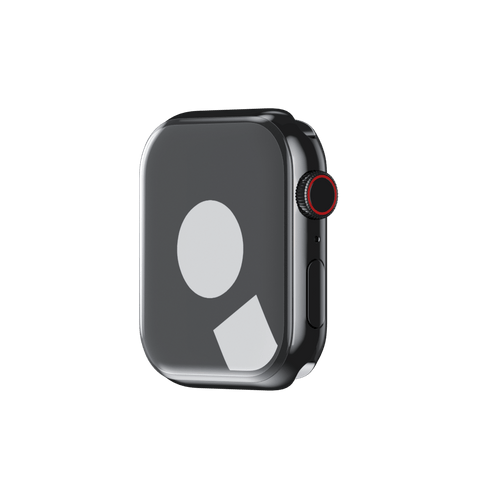
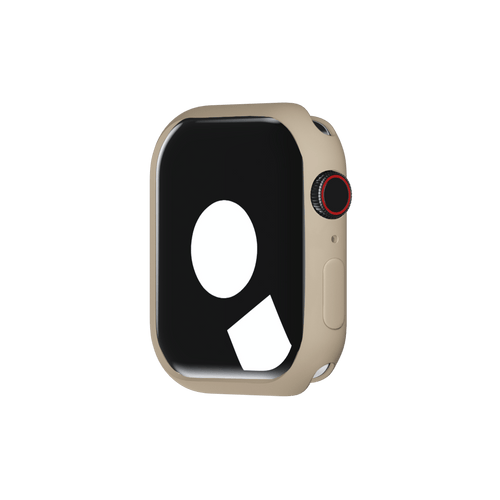
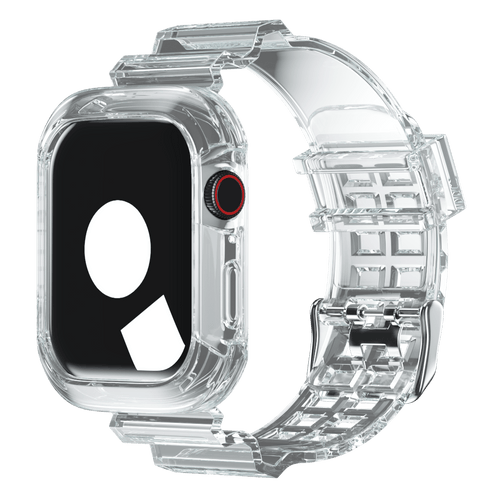
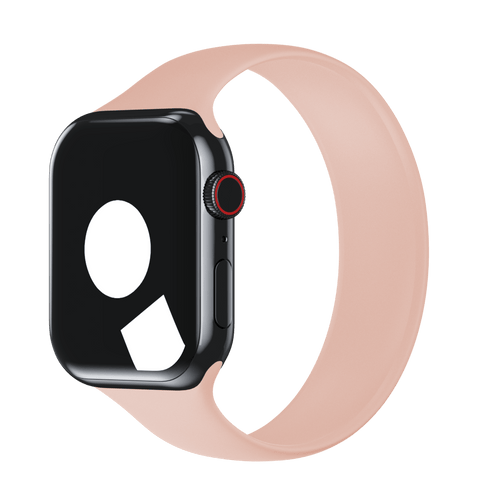
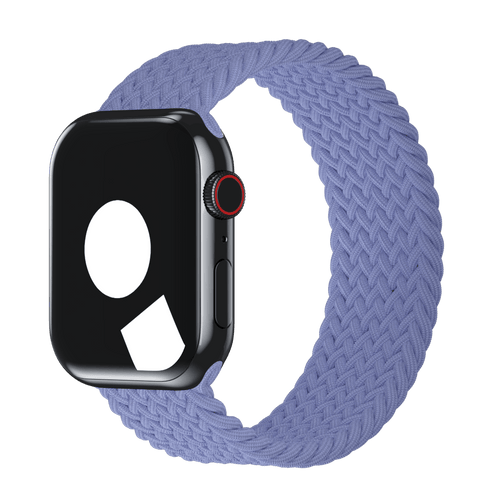
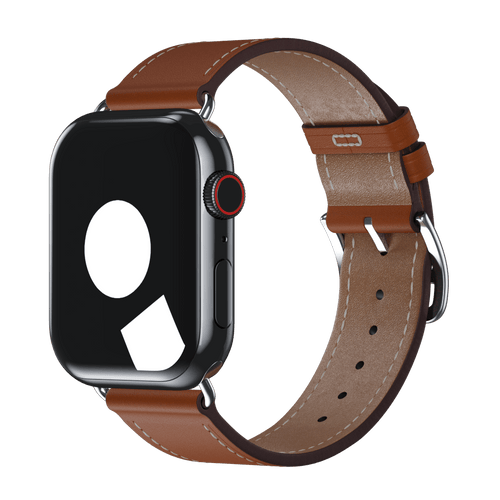
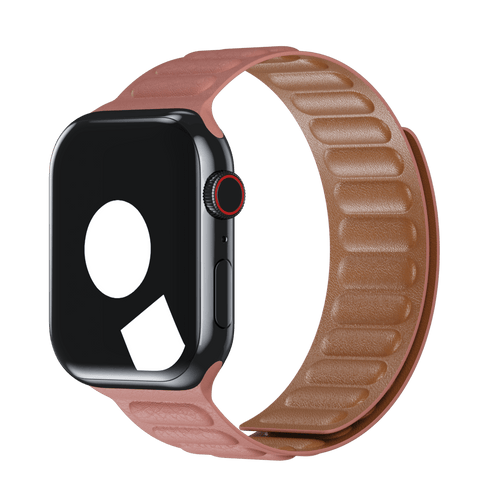
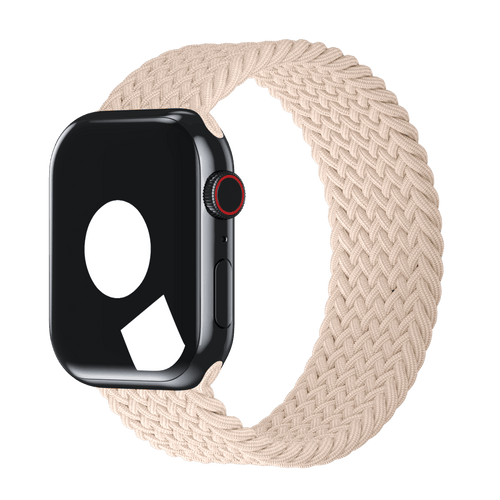
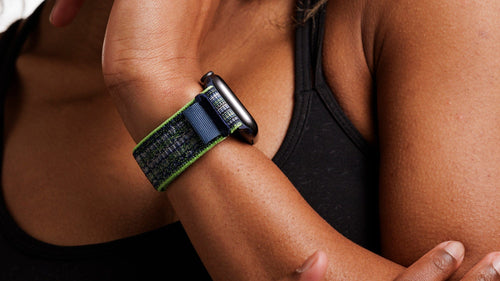
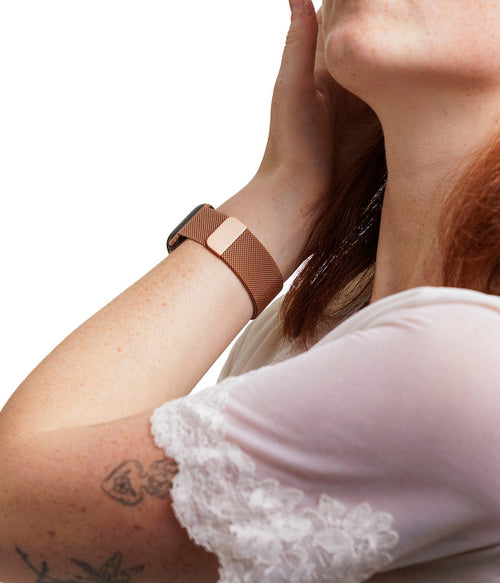
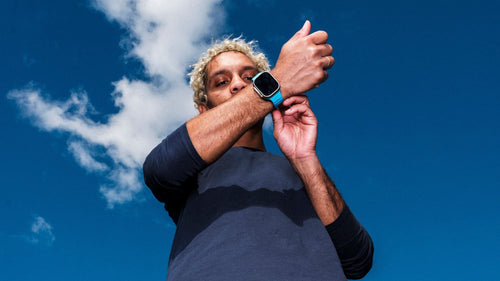
And if you’re looking for a simple way to make your Apple Watch feel new while you wait for watchOS 27, a fresh band never hurts.